
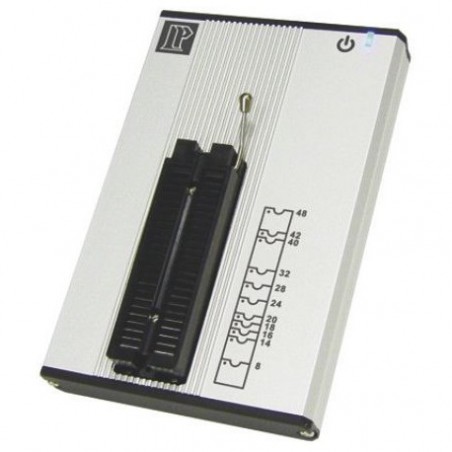

Leaper-56, Chip Programmer, Memory Programmer, Serial-SPI, USB 2.0
search
  • Leaper-56, Chip Programmer, Memory Programmer, Serial-SPI, USB 2.0

Leaper-56, Chip Programmer, Memory Programmer, Serial-SPI, USB 2.0


Livraison rapide et fiable!

 

Support technique et suivi!

 

Qualité garantie!

Product Details

Leaper-56 Pocket-size Universal IC Programmer

The LEAPER-56 is a pocket size universal programmer. By letting your PC or laptop connect with LEAPER-56, it will aid development and debugging.

Main unit
Y-USB cable
CD (Included driver and user's manual)
Soft case

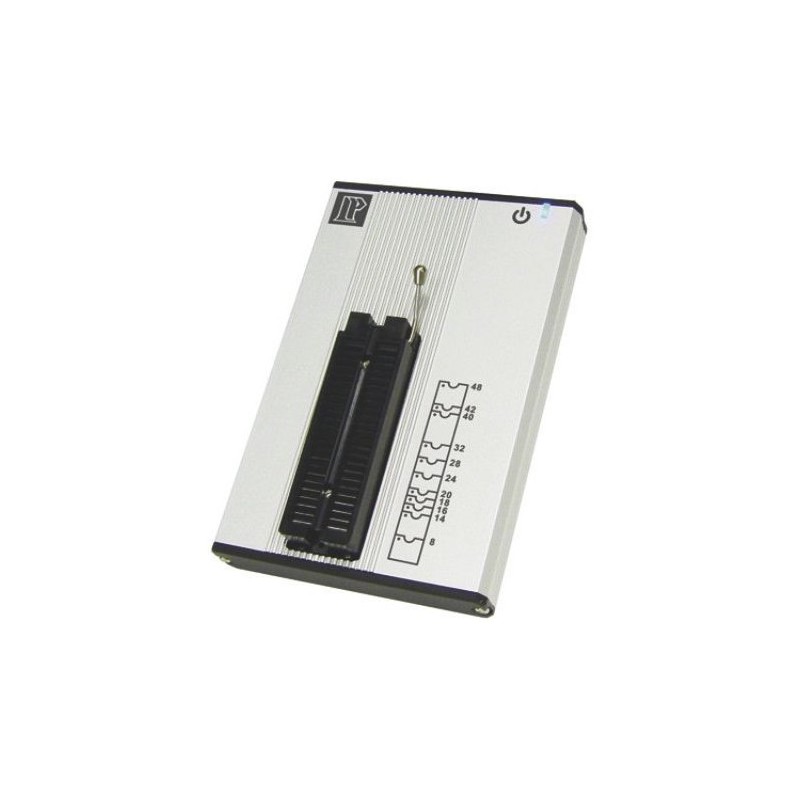
Portable mini size. Without socket, only 136mm (L)* 90mm (W)* 20mm (H). You just need to connect with USB cable to use No additional power supply
Via USB HUB, you can connect multiple LEAPER-56s to do gang programming. It makes development and mass production proficient
Provide with DUT device pin checking and memory components ID verification. Ensure the best yield rate of processing
Specification
  • Device power signal
    • Logic signal level: 1.5V~6.0V,10mV
    • IOL, IOH current: 10mA
    • Logic signal frequency: 75MHz (3-5V), 60MHz (2.5V), 45MHz (1.8V), 25MHz (1.5V)
    • Signal skew: <±2.5nS (3-5V)
    • Clock frequency: 0Hz ~ 75MHz
    • VDD, VIO level: 1.5V~6.5V,10mV
    • IDD, IIO frequency: 400mA
    • VPP, VHH level: 1.5V~15.5V,20mV
    • IPP, IHH frequency: 150mA
  • Power consumption: 4W
  • Pin drivers: 48 Pin Universal Pin Driver (Zero Inser ion Force)
  • DUT socket: DIP 48 ZIF
  • Dimension: 136(L) x 90(W) x 20(H) mm, Socket is not included
  • Weight: 282g
PC System Requirements
  • Operating System:Windows 10 / 8 / 7 / Vista / XP ( 32bits & 64bits )
  • Processor: Pentium 4 above
  • Memory: 2 GB RAM above
  • Hard disk: 500 MB above / buffer: 1GB above
  • Communication: USB 2.0 high speed only
  • USB powered: Connect the cable with 2 USB port (900mA above)
Supported Devices
  • NOR FLASH, SPI, EPROM, EEPROM, MPU, MCU, CPLD, NV-RAM, etc.
Supported File Formats
  • Binary/Machine Code, Intel HEX,TEK HEX, Motorola HEX
Remarks
  • Must use the USB cable from the standard package, and connect to the USB ports behind your PC. Besides please also connect it with 2 USB ports, or through the USB Hub (5V/1A).
  • When you need adapters to process the high-speed components, be sure to use good quality adapters. In order to have the best high-frequency process performance, the socket and DUT must keep good contact.